
KOMPASS Programme
State-funded support for continuing education for solo self-employed professionals
Training
The Hands-On Training for Development Teams
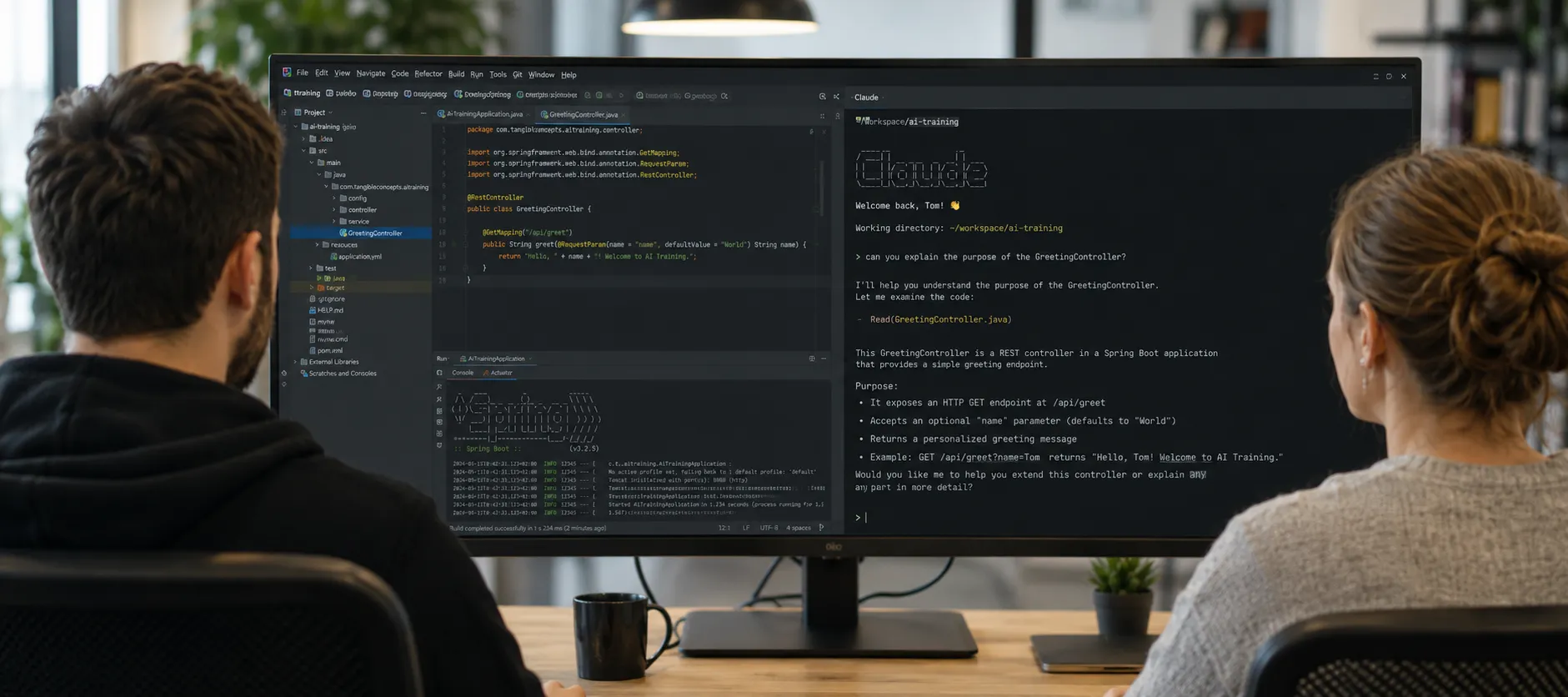
Many development teams already use AI - but inconsistently, superficially, or disconnected from their actual development environment. In this training, your team builds a shared, traceable way of working: handing off tasks to AI agents in a structured way, critically reviewing results, and using the right tools responsibly.
From your first prompt to multi-agent orchestration.
In this training, you'll learn to integrate AI tools safely and confidently into your everyday development work. You work directly in your IDE and on your own codebase, review results in a traceable way, and develop workflows your team can keep using long after the training ends.
2 days - core training: Over two intensive days, you work through the full learning path: setting up the tools, developing agentic ways of working, and building your own skills, agents and MCP integrations. From there, you learn how to apply these approaches across the team and for more demanding tasks.
Optional: day 3 - advanced: The third day goes deeper on scaling: you learn to keep agents working reliably over many hours and to coordinate multiple agents productively on the same project.
Set up the tools, understand the fundamentals, tackle your first real tasks in your own project
Control context deliberately, AI-assisted code review, get to grips with unfamiliar codebases
your own skills, your own agents, your own MCP servers
Multi-agent orchestration, browser automation, reusable setups for the whole team
Claude Code, GitHub Copilot, Codex and Cursor compared side by side: how they work, their strengths, limitations and where each one fits best.
How a task becomes a clearly scoped assignment - with the right context, verifiable intermediate steps and a defined outcome.
Capture recurring ways of working as executable building blocks, maintain them together, and make them usable independently of any one machine or person.
How AI agents access tools, data sources and internal systems in a controlled way - and what actually happens behind the scenes.
Split up tasks, isolate workspaces, and merge separately produced results back into a shared codebase.
Make sense of existing and unfamiliar code, investigate changes, and use AI as an extra pair of eyes in the review process.
Apply It Directly to Your Own Project
Short conceptual input alternates with hands-on work on your own project. You try out new ways of working immediately, get feedback, and review together with the trainer what works - and where the AI goes off track.
The result is more than new knowledge: the training produces skills, agents and conventions your team can keep using afterwards.
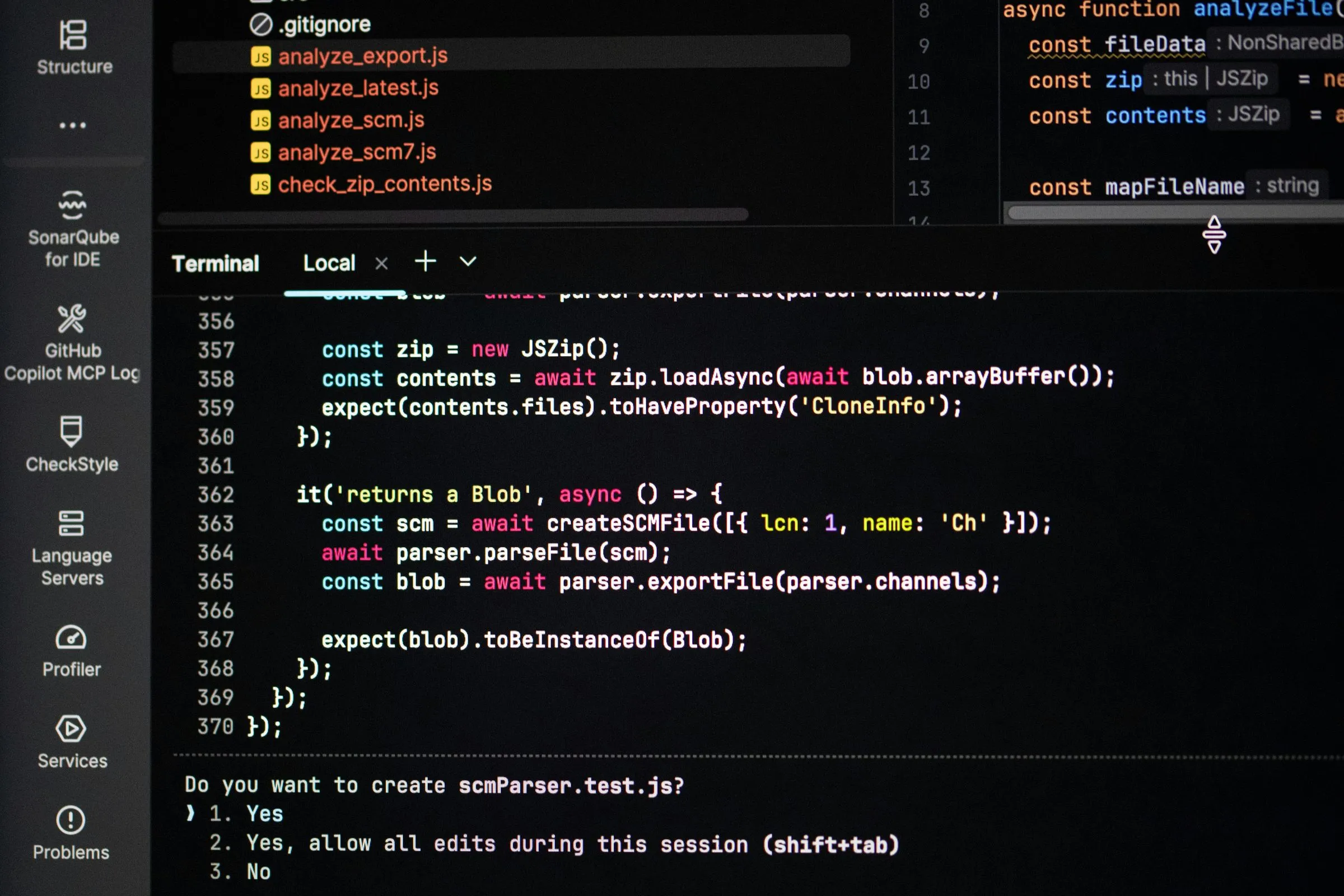
For development teams who want to integrate AI tools into their everyday project work professionally, transparently and responsibly.
Prerequisites: Programming experience in at least one language. No specific prior AI knowledge is required.
You know which tool fits which task - no more guessing between competing vendor promises.
Instead of a handful of tricks, you take away your own skills, agents and conventions that your team can keep using.
You understand when AI can be trusted to work independently, and stay in control of the code at every step.
You try out every tool on your own project instead of just watching a demo - and take away only what actually works.

Luka Breitig - AI-Assisted Coding Trainer.
Luka trains developer teams in AI-assisted coding and agentic workflows, working as a practitioner who uses the same tools every day in his own product. He works with developers as well as with non-technical business teams, from the first use of these tools all the way to building custom agents and MCP servers.
AI-assisted coding isn't a side project at tangible concepts - it's a core part of our everyday project work, and that experience flows directly into this training.
More trainings by Luka Breitig2-3 days
In-house company training, on-site or remote
Programming experience in at least one language
German or English
Training dates are arranged to suit your schedule.
4-10 participants per training

Your contact: Kathi Asel
I'm happy to answer your questions and find the right setup for your in-house training with you.
Want to train your whole team? This in-house training is tailored to your context - on-site or remote. Use the contact form to tell us your preferred date and a few key details. We'll check availability and send you a tailored proposal for the training.
 Contact